


- Log in to https://umcchurches.org/clientarea.php
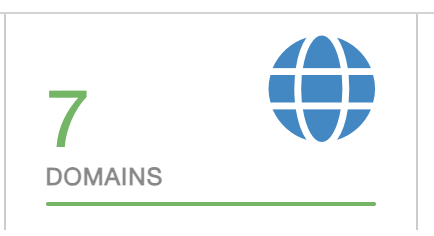
- Once logged in, click Domains.
- Click the domain name you want to update the contact information
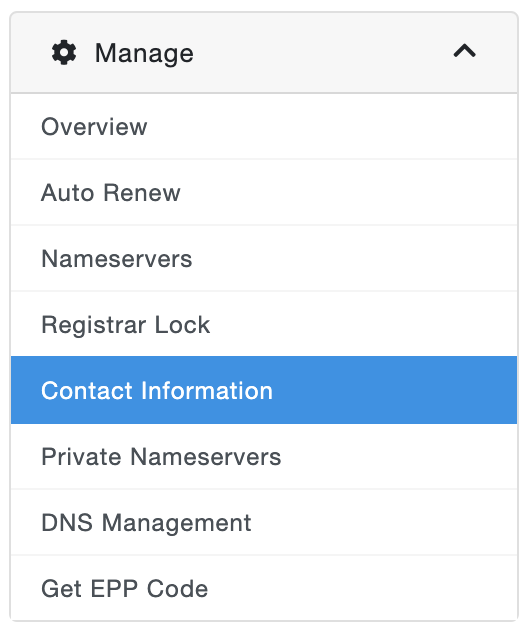
- In the Manage options, click Contact Information
- Complete all the required details for the Registrant, Admin, Tech, and Billing Contact.
- Click Save Changes.
UMCChurches.org